Nav Bar
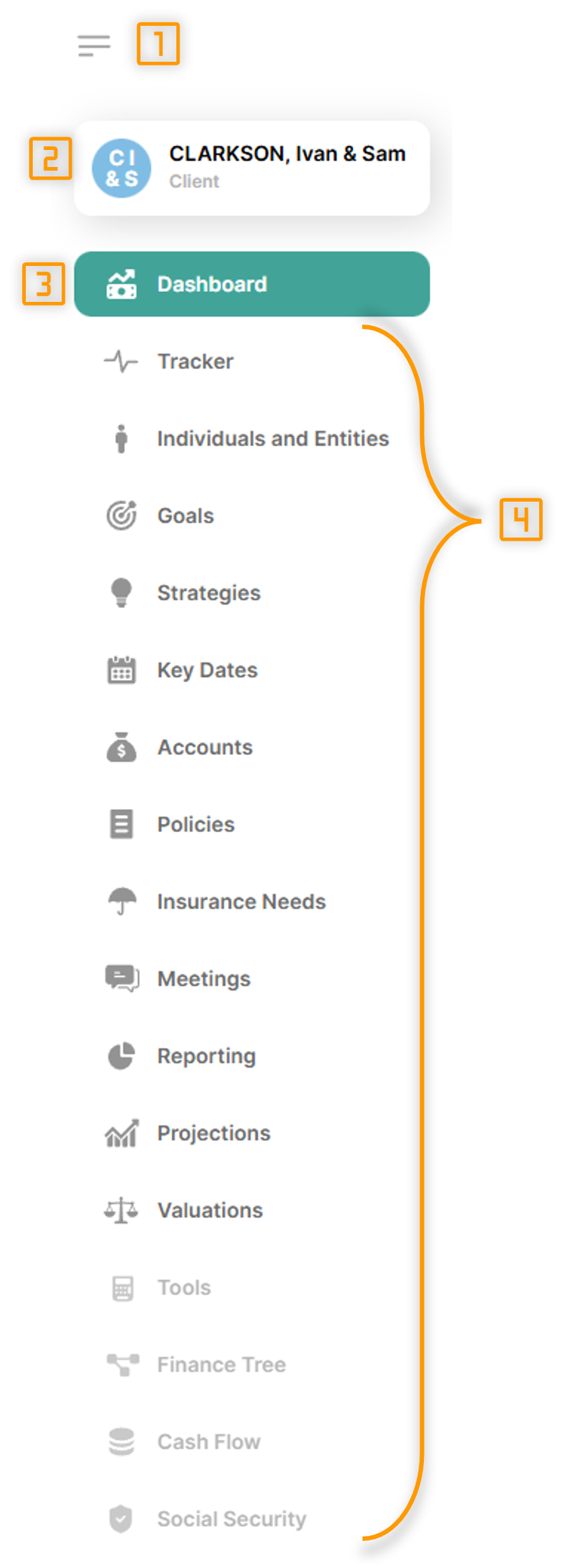
When viewing a client group, there will be a navigation bar on the left of the screen, as shown below.
|
- Collapse: This button toggles the nav bar between expanded and collapsed, providing more screen space if needed.
- Client group: Name of the client group being viewed. Clicking this takes you to the client group details, settings, integrations and AI futures.
- Current view: The current view is highlighted.
- Other views: List of other views that are available. Clicking will navigate to the selected view.
Views that are greyed out are not available, most likely due to requiring an additional subscription or being a future development.
|

